|
You can export your countdown to the Web using Export to Web module. When exported
all existing settings (size, layout, skin/font, title, border) are copied to
the Web, so, the exported countdown looks exactly like on your desktop.
To access Export to Web functionality right-click TimeLeft system tray icon
to bring up TimeLeft menu and select Tools|Countdown Web Export menu
item, this will open TimeLeft Main Window where you can customize all countdown
settings and perform export to the Web:
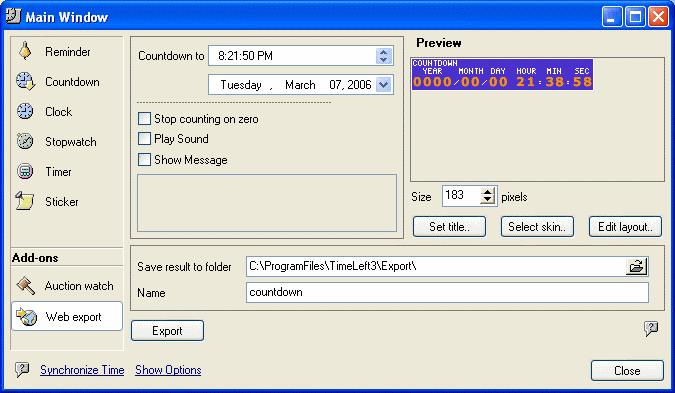
After you define all countdown settings, click Export button. This will open
a browser window with generated countdown preview and the further instructions:
what exactly you need to upload on your web-site to complete the export process.
Exporting an existing countdown (from the countdown
list)
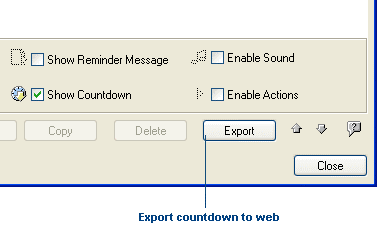
To export an existing countdown right-click TimeLeft system tray icon to
bring up TimeLeft menu and select My Countdowns menu item, this will
open TimeLeft Main Window. In this window select a countdown that you want to
export and click Export button:
Export to Web module is an additional option to TimeLeft, for more details
see Additional options and packs.
See also:
TimeLeft Deluxe
How to upgrade TimeLeft Free to TimeLeft Deluxe
Additional options and packs
| 


