| |
TimeLeft on Linux/UNIX/Mac
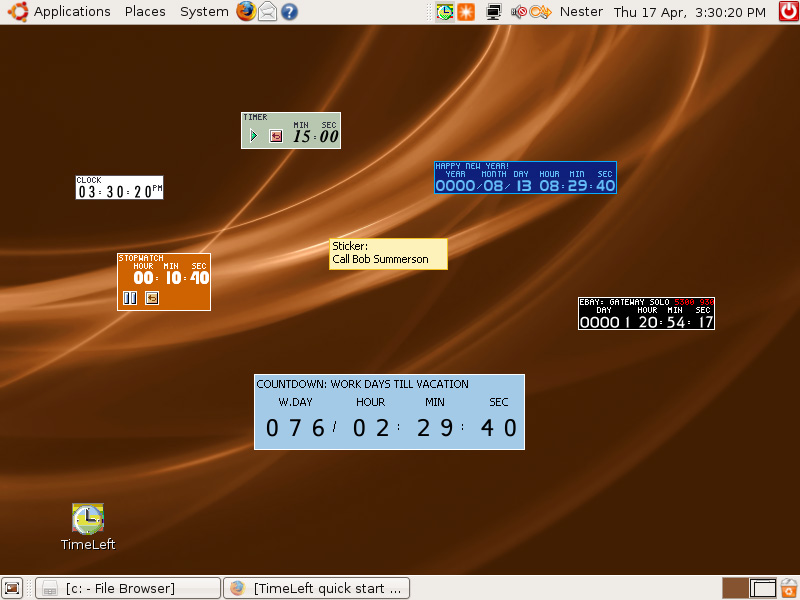
TimeLeft running on Ubuntu 7.10 with Wine 0.9.57 - View 100%
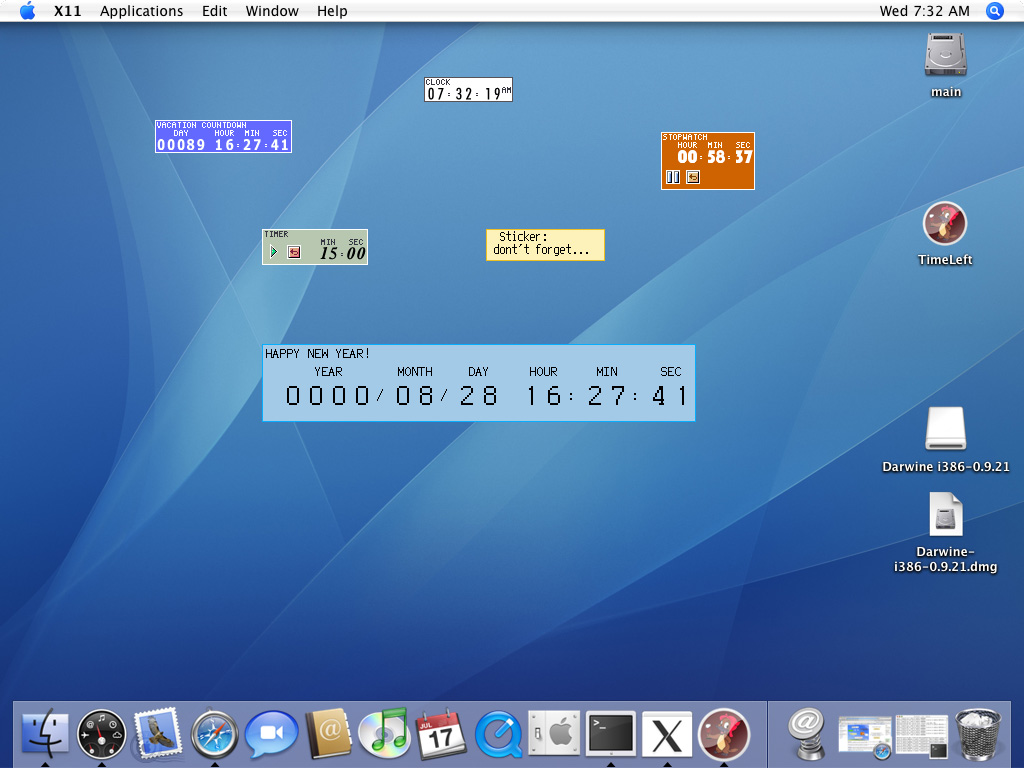
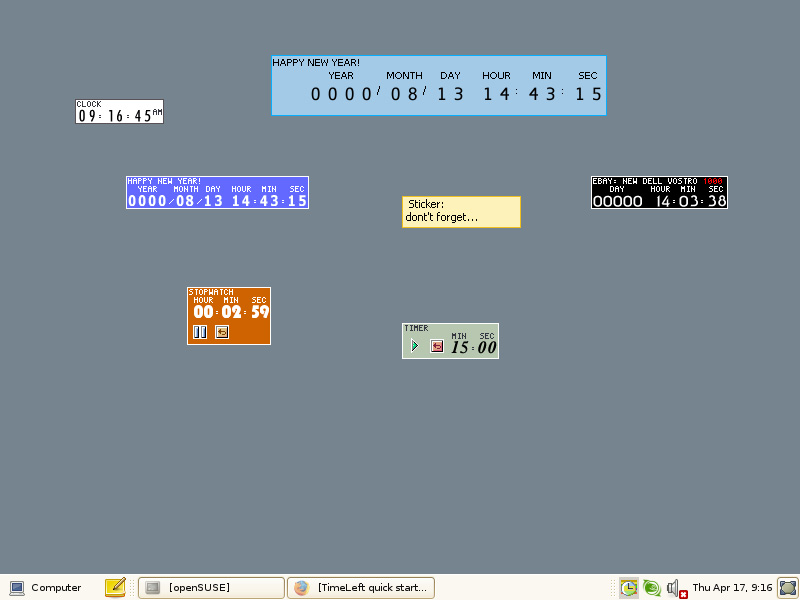
Also see: openSUSE 10.3, Mac OS X 10.4.6 "Tiger"
TimeLeft for Wine supports all major features as: reminder, countdown, clock, stopwatch, timer, sticker and auction watch floating windows; all reminder options and rules; also all customizations and effects.
| |
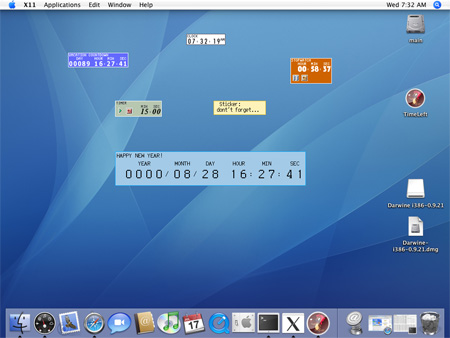 TimeLeft running on Mac OS X 10.4.6 with Darwine 0.9.21 TimeLeft running on Mac OS X 10.4.6 with Darwine 0.9.21 |
As soon as TimeLeft is originally a Windows application, there currently
are some unsupported Windows specific features like: tray clock, time synchronization (TimeLeft can only check and show the difference), shortcuts and web browser integration.
See also How to install and run on
Linux/UNIX/Mac, Features
|
|
|
|
| TimeLeft Free |

TimeLeft FREE never expires!
|
| TimeLeft Deluxe |
Get even more features!

|
| Our Clients
... |

|
|