| |
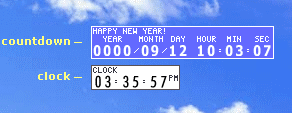
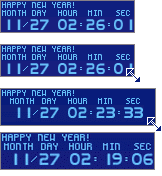
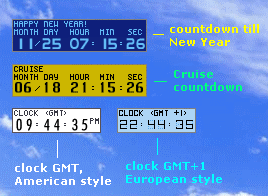
 First start: What's on my screen?
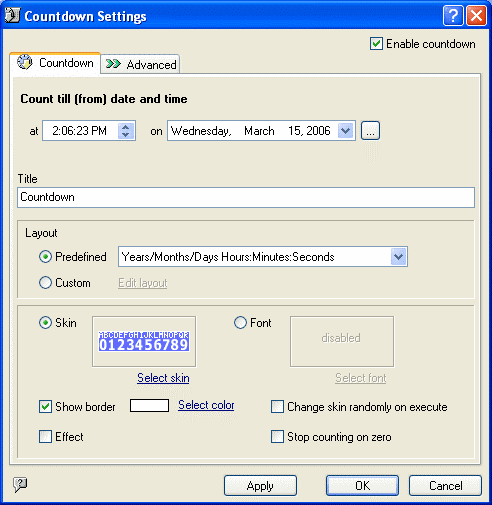
How can I change countdown date?
How can I change countdown title, skin, layout?
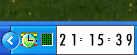
How to replace Windows system tray clock with skinnable TimeLeft clock?
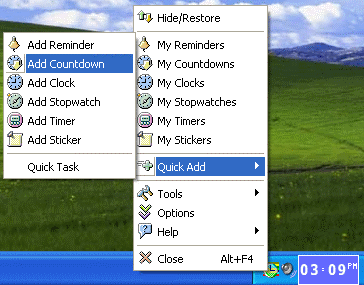
How can I add a reminder, countdown, stopwatch, timer or sticker?
Text on a TimeLeft countdown is too small for me.
I'd like to see on my countdown how many weeks is left till the event.
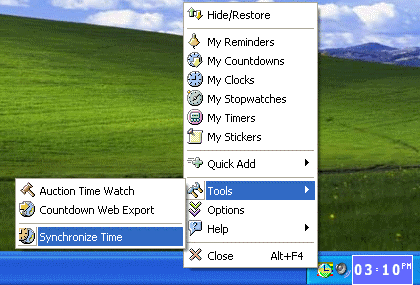
How can I keep my PC time always accurate?
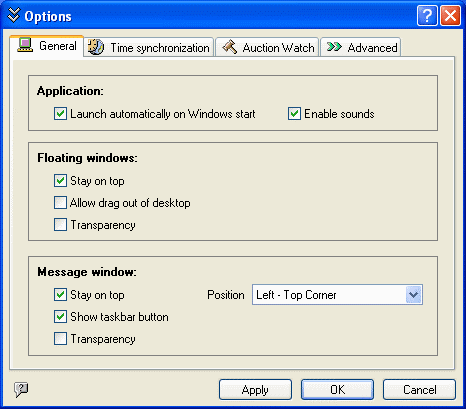
How can I make my countdowns, clocks, stickers and timers to be semitransparent?
Is it possible to place TimeLeft countdown on my website?
I can't add any new reminders.
What is the difference between TimeLeft Free and TimeLeft Deluxe?
Is TimeLeft freeware?
|
|
|
|
|
| TimeLeft Free |

TimeLeft FREE never expires!
|
| TimeLeft Deluxe |
Get even more features!

|
| Our Clients
... |

|
|